Background
When a claim is rejected or delayed, the answer often sits in your clearinghouse. If your clearinghouse is not seamlessly integrated with your EHR or PM, your billers might have to log into the clearinghouse just to find out which claims have been rejected and why.
That creates a frustrating workflow for billing teams: you may be reviewing the encounter, eligibility, claim status, and notes in one place, but still need to look somewhere else to confirm whether the claim was submitted, rejected, or returned by the clearinghouse.
What’s new:
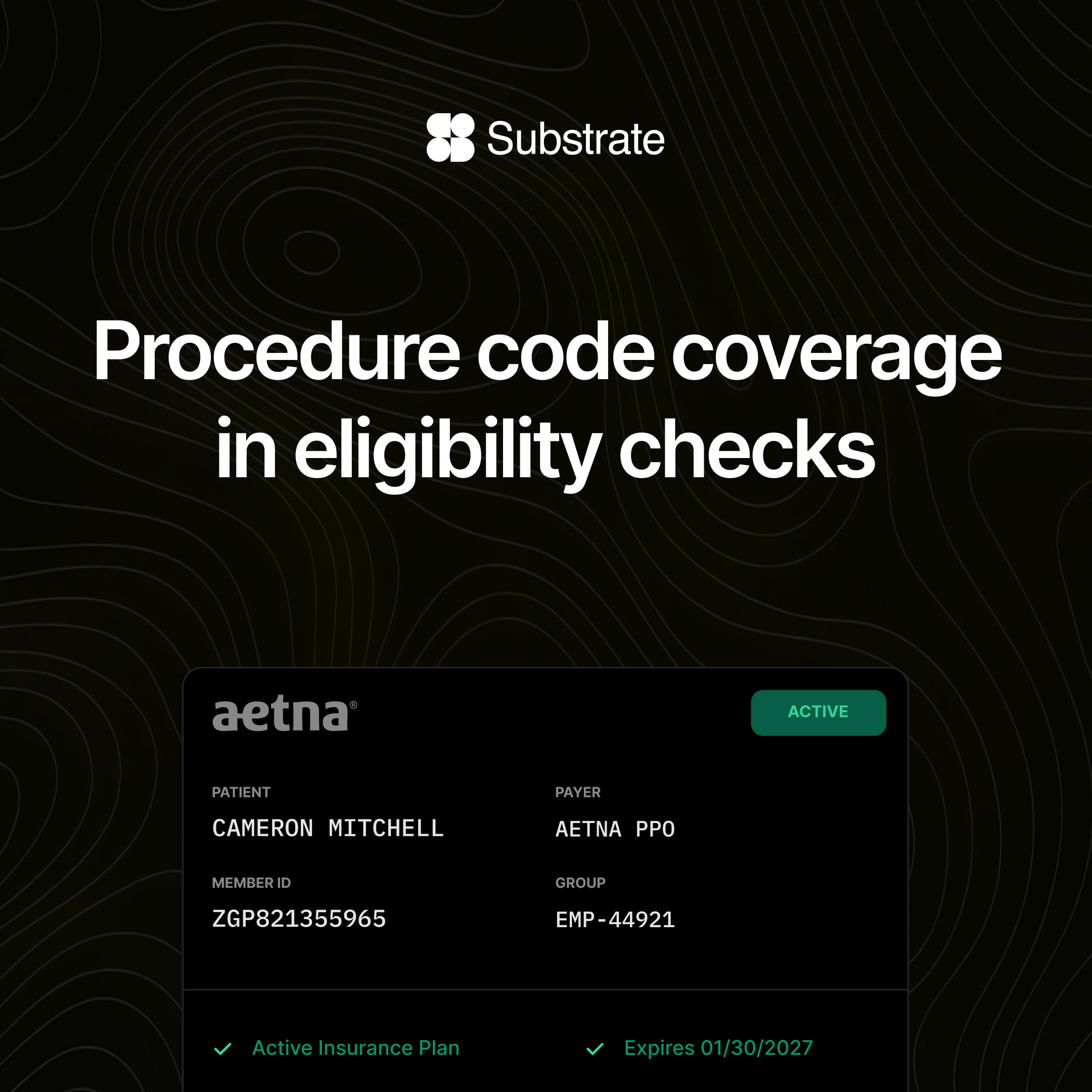
Encounter pages now include a Clearinghouse Activities tab.
This lets users review clearinghouse submission and rejection activity directly alongside the rest of the encounter context. Instead of jumping between systems or screens, billers can see whether a claim made it through the clearinghouse, whether it was rejected, and what happened next. If a claim has been rejected at the clearinghouse, we will push that data back into your system of record or your PM so that it flows into the right work list or queue.
This should make it faster to decide whether a claim needs correction, resubmission, rebilling, or follow-up.
This is automatically available to users of the Substrate Claim Status Agent and the Substrate Eligibility Agent, and usable as context for both agents when evaluating claims.
.png)